Home Lab Build Template
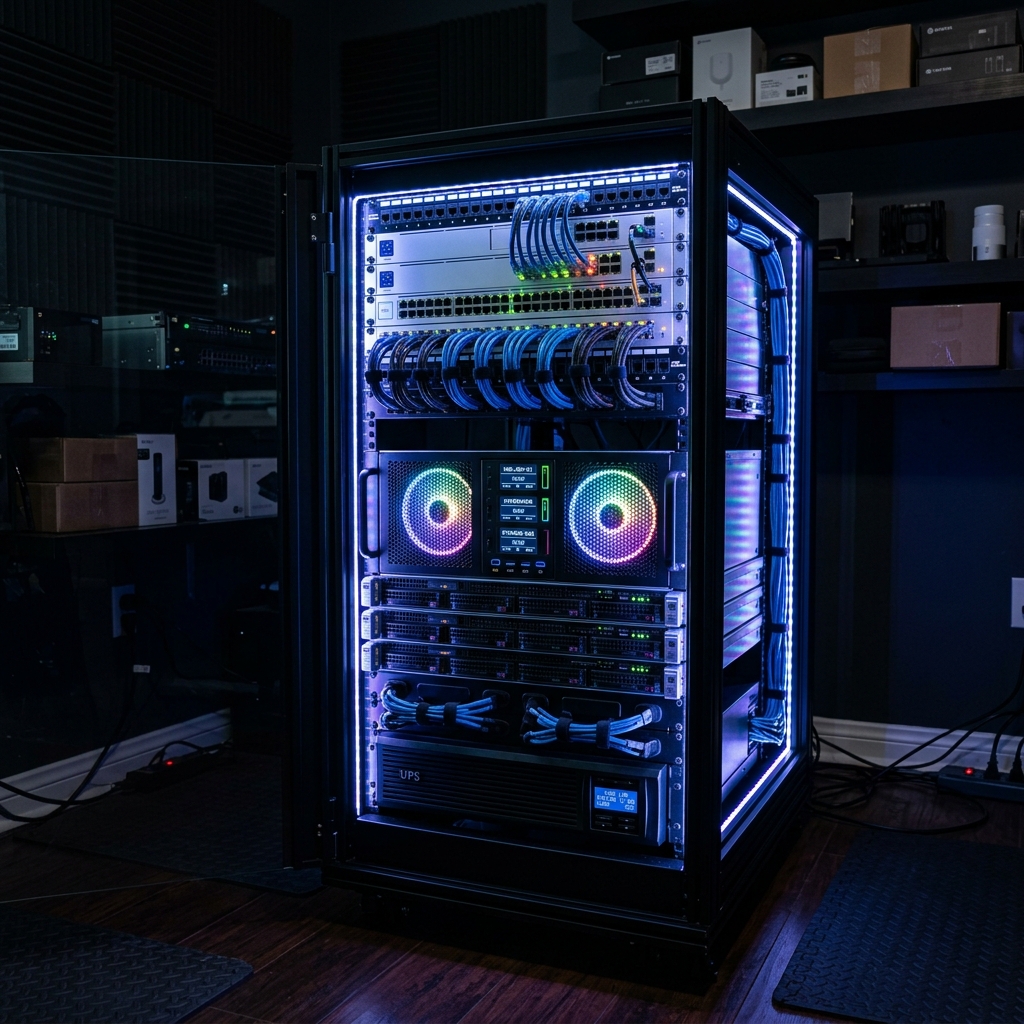
Home Lab Build Template
Overview
Provide a brief summary of the home lab build. What is the primary purpose? (e.g., Malware Analysis, Active Directory Penetration Testing, Blue Team Monitoring).
Always ensure your vulnerable VMs are completely isolated from your actual home network to prevent accidental infections!
Hardware Specifications
Detail the physical or cloud hardware used for this lab environment.
| Component | Specification | Purpose |
|---|---|---|
| CPU | AMD Ryzen 9 5900X | Hypervisor Host Processing |
| RAM | 64GB DDR4 | Running multiple VMs simultaneously |
| Storage | 2TB NVMe SSD | Fast read/write for Virtual Disks |
| Network | Dedicated NIC | Isolated lab routing and pfSense |
Network Architecture
Explain how the virtual network is segmented. For example, setting up pfSense as a boundary firewall with strict rules.
Tip: You can use Draw.io to create network diagrams and embed them as images here!
Deployment Steps
- Hypervisor Installation: Installed Proxmox VE or ESXi.
- Firewall Configuration: Deployed pfSense with WAN/LAN interfaces and DHCP.
- Domain Controller Setup: Created
lab.localusing Windows Server 2022. - Vulnerable Hosts: Stood up Metasploitable3 and a vulnerable Windows 10 client.
For more information on virtualization technologies, refer to the Wikipedia page on Hypervisors.
This post is licensed under
CC BY 4.0
by the author.